

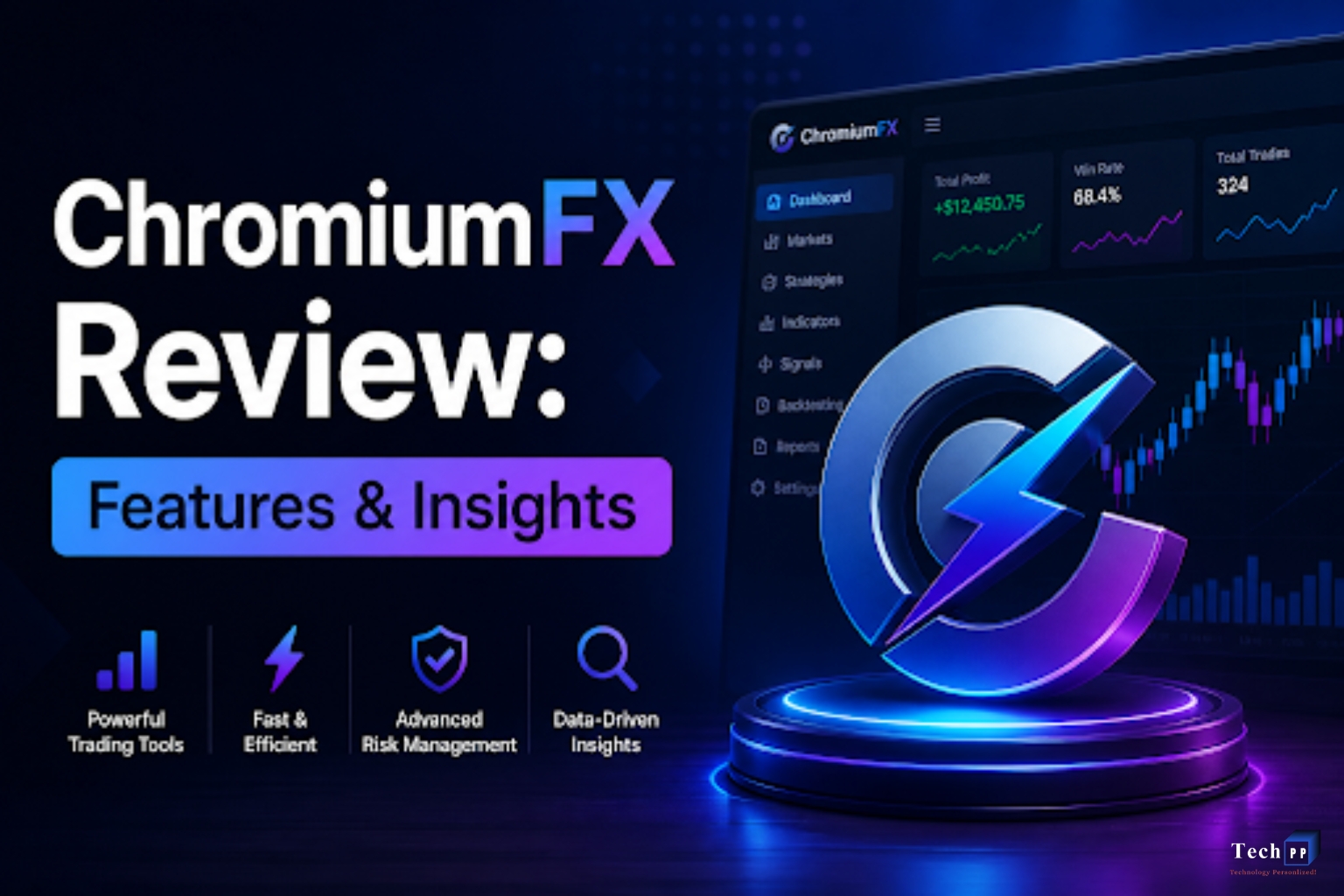
ChromiumFX is a noteworthy open-source program built using the Chromium Embedded Framework (CEF) that allows .NET developers to add Chromium-based browser functionality to their desktop applications. ChromiumFX is a .NET wrapper of CEF that also allows developers to embed a fully functional web browser in Windows applications. Developers can now control embedded web browsers using .NET languages such as C# or VB.NET. ChromiumFX enables developers to embed web browsers in Windows applications.
ChromiumFX fills a crucial niche in today’s market by allowing developers to create hybrid applications that combine web applications with the power of desktop applications. ChromiumFX is a developer-friendly tool that contains a variety of features, benefits, limitations, and a number of use-case examples.
What is ChromiumFX?
ChromiumFX is a wrapper of CEF. The Chromium Embedded Framework (CEF) is an open-source project that allows developers to embed a browser (Chromium) into their applications. Unlike wrappers of CEF which only contain bindings to CEF, ChromiumFX also contains managed bindings such that developers integrating the Chromium browser in their applications can use .NET languages such as C# and VB.NET.
ChromiumFX enables developers to easily integrate Chromium in their applications by abstracts the complexity of integrating C++ browser engines. The integrations allow developers to easily gather requirements of a web application of their choice and integrate that within their application. This is useful, especially in large-scale applications requiring the use of a modern balanced UI/UX.
Why You Should Care About Modern Development with ChromiumFX
Look to the future, and it is fast, lean, and digital. The world of software development is increasingly hybrid, with user interfaces on desktop applications built with web technologies.
ChromiumFX provides developers the means to build:
- A browser-based user interface on desktop applications
- Quick solution development in HTML, CSS, and JavaScript
- Cross-platform application development with back-end and isolated UI
- Web applications that can be used offline
Engineering the complex native UI components of WPF or WinForms can instead be managed within frameworks like React or Angular, to be run in ChromiumFX.
Top ChromiumFX Features
1. After the innovations of Chromium
ChromiumFX adopted the Google Chrome development technologies to channel the benefits of the:
- Ultra low response time for rendering of multimedia frameworks
- Modern web standards
- Rapidly developing JavaScript frameworks
- low response time for JavaScript
Naturally, the applications built on ChromiumFX would become web browsers embedded on desktop products.
2. Lakes of .NET
As a CHromiumFX user, .NET developer, you can make a user event that
- Opens a URL in a web application
- Manages the occurrence of a browser window
- Transports and manages the events in a .NET application
This means that it becomes less of a nightmare to build a traditional application that utilizes web technologies.
3. Networking with .NET and AJAX
ChromiumFX implements a seamless experience with AJAX and JavaScript to make rich user experience in web and desktop applications.
- Javascript can execute .NET promises to provide real-time user experience
- Events in the web page can directly call .NET applications.
4. Embedded Browser Control
ChromiumFX enables developers to integrate an entire Chromium browser in their applications, allowing them to load web pages inside their applications. Also, developers can customize their user interface and layouts using web page components, and can mix and match both native and web controls. This capability can be particularly useful in the design of dashboards, admin panels, and business applications.
5. Multi-Process Architecture
ChromiumFX, just like modern web browsers, has a multi-process architecture. This means that:
- Instantiation – each browser instance is created and runs in its own unique process.
- Applications will not crash when one of the tabs is affected by a crash.
- Ensures better performance.
This architecture enables applications to be complex and reliable.
6. Full Control Over Browser Behavior
With ChromiumFX, developers can fully customize their browser settings. They can implement their own:
- Cache
- Cookies
- How to intercept requests
- Security policies
- Headers
- Network behavior for total control
Because of the complete control offered by ChromiumFX, it is highly recommended for use in enterprise applications and businesses that require a high level of security.
How ChromiumFX Works
ChromiumFX acts as a bridge between applications that use the .NET framework and the Chromium browser framework. The general workflow looks like:
- Applications initialize their own Chromium instance
- A browser instance is created and added to the application’s window.
- The browser instance loads and renders web content by utilizing the Chromium engine.
- Communication is set up between the application’s .NET framework and the JavaScript running in the browser instance.
- The application processes user operations and browser instance events in real-time.
In this design, developers can use web in-app content.
Benefits of ChromiumFX
1. Modern Interface Design
Utilizing HTML5, CSS3, and JS, developers achieve modern and rapid design of the UI, as opposed to older desktop frameworks.
2. Enhanced Web Technology Compatibility
ChromiumFX easily adapts to modern technology since it follows the evolving standards of the web which include:
ES6 and later JS, Responsive design, Web APIs, and several frameworks like React and Vue.
3. Robust Developer Capability
The level of control ChromminFX provides developers is unparalleled since it allows them to:
- Change the requests to the network,
- Change browser behavior,
- Modify security standard rules, and
- Control the sessions in the browser.
4. Open-source ChromiumFX
Due to its open-source nature, developers can:
- Change the source code,
- Add to the code, and
- Use their own code in new modules.
5. Mixed-Use Applications
ChromiumFX provides a means to build hybrid applications, with the following features:
- Desktop performance.
- Web UI rapid design.
- Cloud functionality.
- Access to the local systems.
Drawbacks of ChromiumFX
This tool has a number of disadvantages.
- Increased Resource Consumption
RAM, CPU and Disk storage use is quite considerable, since ChromiumFX utilizes its full engine to run applications.
2. User Unfriendliness
The process of running the ChromiumFX is not easy since it includes:
- Proper configuration of CEF binaries,
- Taking care of the dependencies, and
- Following the given steps for the specific platform.
3. Increased Application File Size
Compared to applications that are not built with ChromiumFX, there is a tendency for ChromiumFX applications to be larger since they include the full Chromium engine as part of the application.
4. Maintenance Challenges
Due to reliance on Chromium updates, developers must ensure future versions of:
- CEF
- .NET frameworks
- Windows updates
Real-World Use Cases
1. Enterprise Dashboards
Dashboards using web technologies inside desktop apps for real time data display have been developed by companies using ChromiumFX.
2. CRM and Business Tools
ChromiumFX enables many useful features in CRM systems, including updating the UI and adding cloud functionality.
3. Automation Software
ChromiumFX offers developers the tools they need for creating desktop applications to automate web-based activities.
4. Hybrid Desktop Applications
ChromiumFX is useful for offline web applications that need supplemental online content.
5. Feature ChromiumFX Traditional .NET UI
UI Type Web-based Native controls
- Flexibility Very high Moderate
- Performance High but heavier Lightweight
- Learning Curve Medium Easier
- Design Freedom Extensive Limited
ChromiumFX is the clear winner when flexible modern UI is the priority.
Future of ChromiumFX
With the growth of hybrid applications, ChromiumFX is foreshadowed to have a bright future. Tools like ChromiumFX help developers in closing the gap existing in desktop and web applications.
Future improvement predictions include:
- Better for memory optimization
- Easier installation and setup
- Improvement on .NET Core and .NET 6+ support
- Improvement on debugging tools
- Better rendering for faster performance
ChromiumFX will continue to provide hybrid development for enterprise software.
FAQs
Q1. What is ChromiumFX used for?
A: ChromiumFX is used for adding a complete Chromium-based browser component to .NET desktop applications. This technology is used for the development of hybrid applications with the ability to use web technologies (HTML, CSS, JavaScript) inside Windows applications.
Q2. Is ChromiumFX free to use?
A: Yes, ChromiumFX is free to use and open source. However, developers need to pay attention to the licensing policy of the Chromium Embedded Framework (CEF) that sits on the foundations of it, depending on the distribution of the given application.
Q3. Can ChromiumFX access modern websites?
A: Yes, it can. Given that it is Chromium-based, like Google Chrome, modern websites, JavaScript-heavy websites, and web apps based off of popular frameworks such as React or Angular, ChromiumFX can run on them.
Q4. What programming languages does ChromiumFX support?
A: ChromiumFX focuses on .NET developers so it provides support C#VB.NET General non-JavaScript languages for .NET
It provides integration services with desktop applications written in these languages.
Q5. Is ChromiumFX beginner friendly?
A: For entry-level developers, it is less friendly, as it has Dependencies like CEF and some other System-level Integration, that can make it difficult to set up and configure for the first time.
Conclusion
ChromiumFX are able to deeply integrate web technologies into .NET desktop applications. They can use the Chromium Embedded Framework with complete control of browser engine functionality to build applications.
It has high resource usage and a complex setup, but the benefits outweigh the disadvantages for most situations. This is most apparent when enterprise dashboards, hybrid apps, and other modern UI-based applications are involved.
ChromiumFX is an advanced and versatile solution for web-oriented next-gen desktop application development.


